

From Chapters 14 to 17 · YouTube, Instagram, TikTok, Facebook
Video equipment list
The gear for the videos the book asks you to make, from a phone setup under $125 to a studio corner for weekly YouTube videos.
Chapter 14 says to start with the phone in your pocket, so the first setup is built around it. Every setup includes a wireless mic, because Chapter 14 says that if the audio echoes or crackles, people leave regardless of how good the image looks.
“Audio matters more than video, and that’s true across every level of production.”
Phone setup
Shorts, Reels, and TikTok on the phone you own
The book’s short videos are sixty seconds long, recorded on a phone during study time, in the car, or out in your city. A wireless mic keeps your voice clear from across a room, and a tripod holds the phone steady while you talk to it.
Wireless microphones
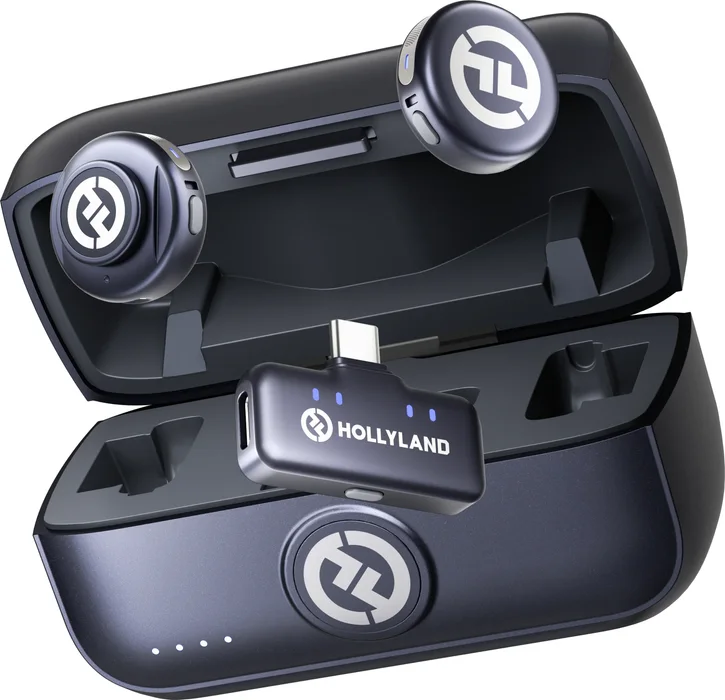
Hollyland LARK M3
Two clip-on mics and a receiver that plugs into the USB-C port on your phone. Wear one for a solo video, or give the second to the person you’re talking with.
For an iPhone with a Lightning port, the LARK M2S Ultimate Combo ($129) includes a Lightning receiver. LARK M2S Ultimate Combo
View on Amazon$99
Two mics and a USB-C receiver
Tripod
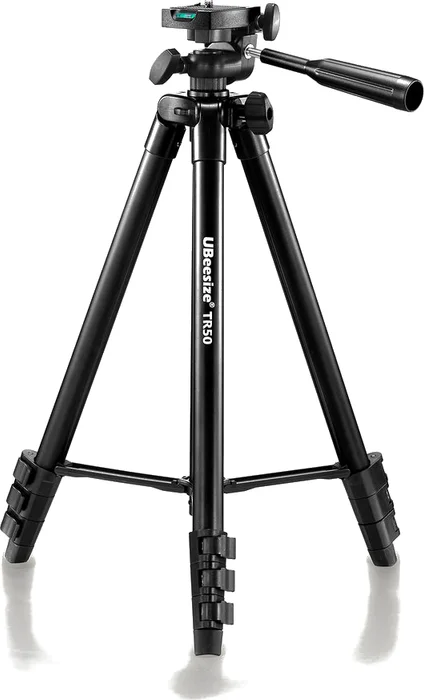
UBeesize phone tripod
Extends to 50 inches and comes with a Bluetooth remote, so you can start recording from where you stand.
Light
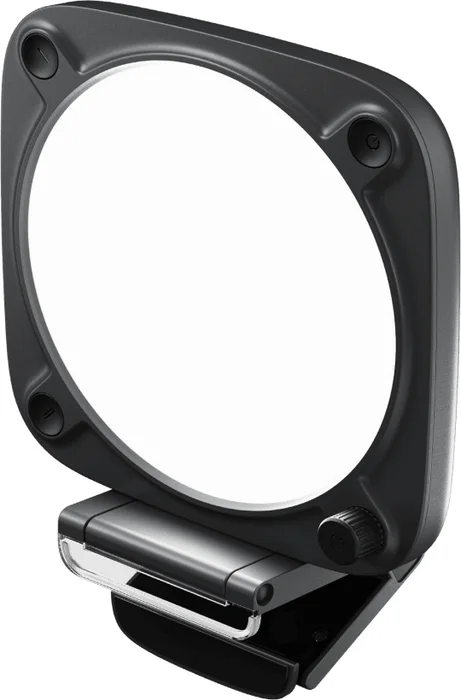
Elgato Key Light Neo
A small light that runs on USB power and clamps to a desk or monitor, for the days a window isn’t enough.
Total: $121 for the mic kit and tripod, or $191 with the light.
Camera setup
A Sony a6700 for vlogging and personal video
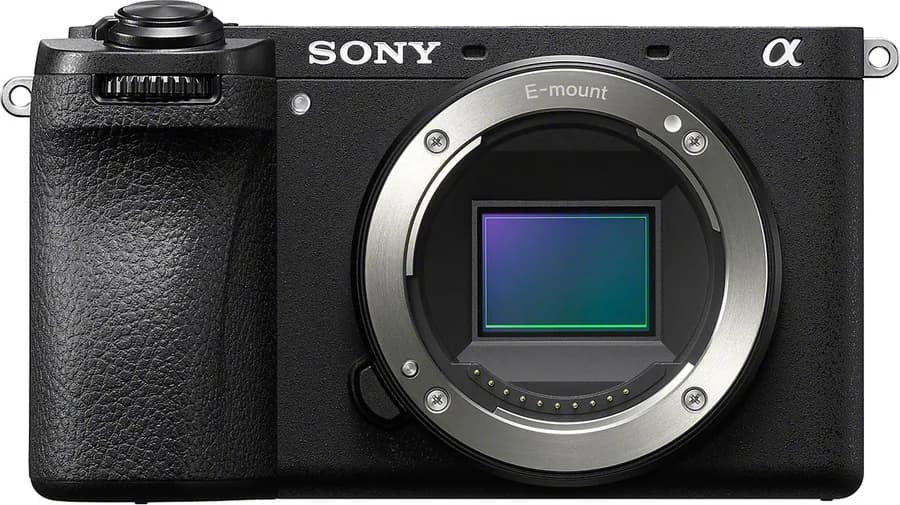
This is the camera I recommend when you want a dedicated camera alongside your phone. Its screen flips around so you can frame your own shot, and it doubles as a 4K webcam when you plug it into a computer.
Camera and lens
Body and a wide lens
My favorite
Sony a6700
Plugged into a USB 3.2 port, it sends up to 4K video to Ecamm, OBS, or Riverside as a webcam, and a USB-C charger that supports Power Delivery keeps it running through long recordings.
View on Amazon$1,498
Body only
Wide lens
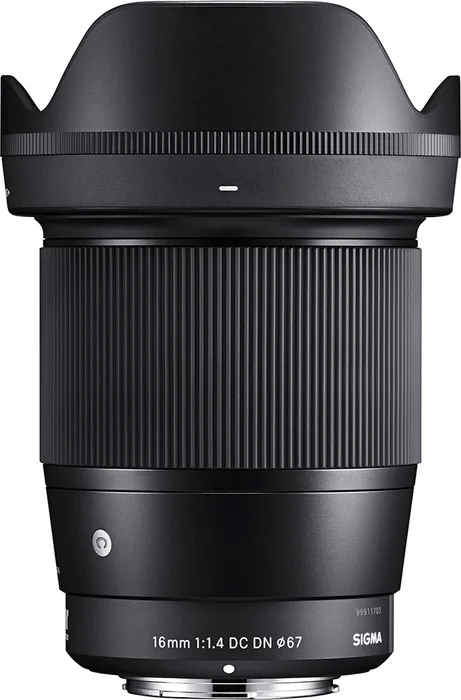
Sigma 16mm f/1.4 DC DN
Wide enough to hold the camera at arm’s length and still fit your face and the room behind you. The f/1.4 aperture blurs the background and handles dim rooms.
View on Amazon$539
Mics, memory card, and tripod
One of each
Wireless microphones
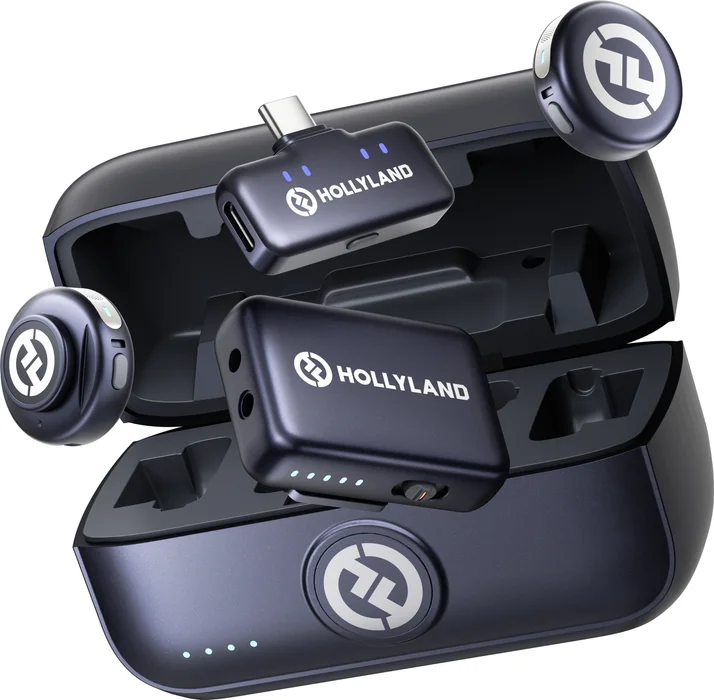
Hollyland LARK M3 camera kit
The same LARK M3 mics with a second receiver for the a6700’s 3.5mm mic input, so one kit works with your phone and your camera.
View on Amazon$119
Two mics, USB-C and camera receivers
Memory card
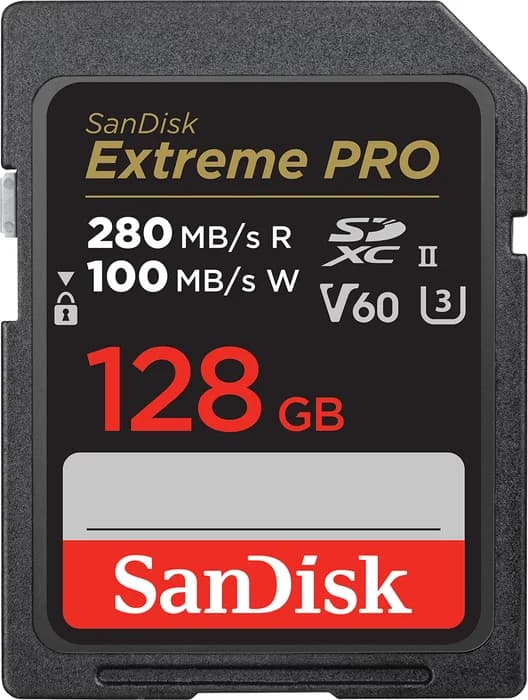
SanDisk Extreme PRO 128GB V60
Sony calls for a V60 card to record 4K in the a6700’s XAVC HS and XAVC S modes.
View on AmazonUnder $50
Vlog tripod
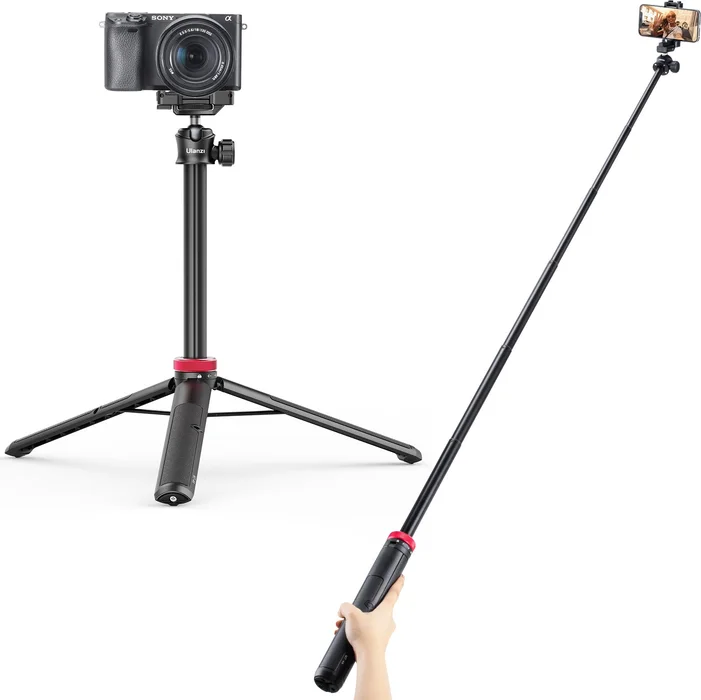
Ulanzi MT-44
A handheld grip that extends into a tripod, for walking shots and quick setups.
About $2,230 for the camera, lens, mics, card, and tripod.
Studio build
A corner set up for weekly YouTube videos
Chapter 14 recommends one video a week that answers a question people are searching for. A corner that stays set up, with the camera, lights, and mic already in place, means you can record the same day you think of the question.
Lens and tripod
For a seated shot at a desk
Desk lens
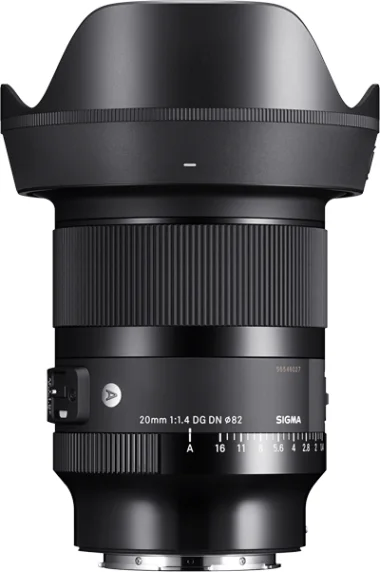
Sigma 20mm f/1.4 DG DN Art
A tighter frame than the 16mm for a seated video at a desk, with the same f/1.4 aperture. It’s built for full-frame cameras and fits the a6700, where it frames like a 30mm lens.
The Sigma 23mm f/1.4 DC DN ($659) is smaller and made for the a6700’s sensor size. Sigma 23mm f/1.4
View on Amazon$989
Camera tripod
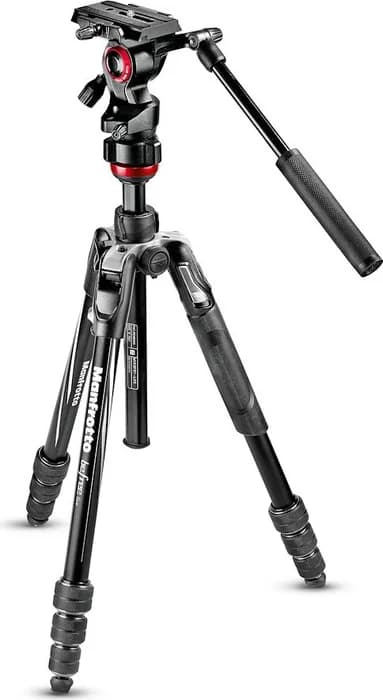
Manfrotto Befree Live
Holds the a6700 at eye level, with a fluid video head so adjustments stay smooth.
View on Amazon$335
Lights
Two per desk, one on each side of the camera
Panel light
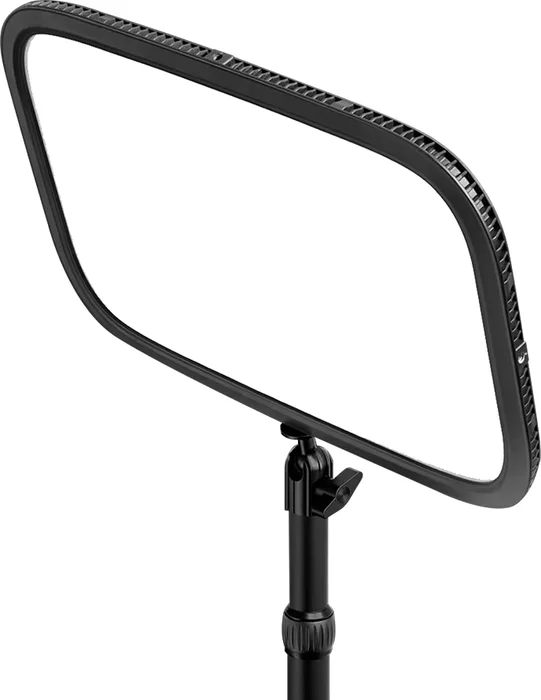
Elgato Key Light
A desk-mounted panel. With one on each side of the camera, your face is lit evenly on camera.
View on Amazon$180
Smaller panel light
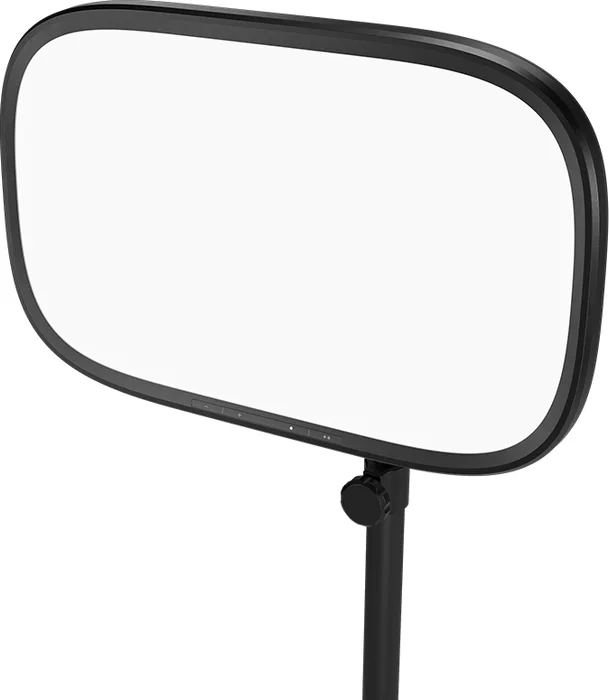
Elgato Key Light Air MK.2
Elgato’s smaller panel light, for a tighter desk or a lower budget.
View on Amazon$140
$120 for the light alone
For sound, keep using the LARK M3 kit, or use the Shure SM7B and RØDECaster from the podcast equipment list.
About $1,680 on top of the camera setup, with the 20mm lens, two Key Lights, and the tripod.
Sunday sermon
An auto-tracking camera for the sermon
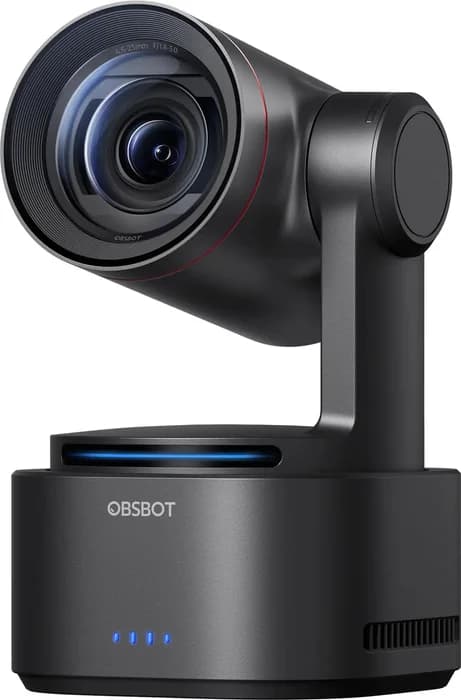
We use the OBSBOT Tail 2 at our startup churches, and its auto-tracking is the reason. It follows the preacher across the stage, so a church without a camera operator can still record or stream the whole sermon.
Chapter 14 says to upload that sermon with a searchable title, and clips from it can fill the week’s Shorts. Bring it into Ecamm or OBS as a second camera next to the a6700, or let it record to its own card.
Auto-tracking PTZ camera
OBSBOT Tail 2
AI tracking can lock onto one speaker, and the camera records 4K to its own microSD card. It connects over HDMI, SDI, or USB, or over one Ethernet cable that also powers it.
The smaller OBSBOT Tail Air is $499. OBSBOT Tail Air
Buy from OBSBOT$1,199
$1,298 with NDI activated
Software
The software we record, stream, and edit with
On a Mac we record and stream in Ecamm Live and edit in DaVinci Resolve. OBS Studio is the free option for Windows and Linux.
Mac recording and streaming
Ecamm Live
Brings in the a6700 as a webcam, the OBSBOT over USB or NDI, and your screen, then switches between them while you record or stream. Every broadcast is saved to your Mac.
Try Ecamm Live$16/mo
Billed yearly, 14-day free trial
Free, any computer
OBS Studio
Free, open-source recording and streaming software for Windows, Mac, and Linux.
Get OBS StudioFree
Editor
DaVinci Resolve
Our editor of choice, and it’s free. Cut the Sunday sermon into Shorts here, or edit a full YouTube video.


Setup help
Help choosing your setup
Ask in the UNmuted community, which is free to join, or email us with what you have now and the videos you want to make.
Product links go through short unmuted.is/gear addresses so we can keep them current. When one is an affiliate link, UNmuted earns a commission if you buy, at no extra cost to you. The OBSBOT and Ecamm links are affiliate links. Prices are list or major-retailer prices checked on September 26, 2026, and Amazon’s price can differ. Podcast gear is on the podcast equipment list.