
From Chapter 13 · Podcasting
Podcast equipment list
Two audio setups with a price and a link for every item. One costs $99 on the iPhone or iPad you already own, and the other is a studio for two to four people.
Chapter 13 says your phone is enough to start, and it is. This list covers what to buy after that. Free hosting, the software we use, and cameras for a video podcast follow the two setups.
Cost-effective setup
Record on the iPhone or iPad you already own
This is enough to publish a two-person show that sounds clear. Each person wears a small wireless mic, and both voices record into one app on the iPhone or iPad, so the only purchase is the mic kit.
Wireless microphones
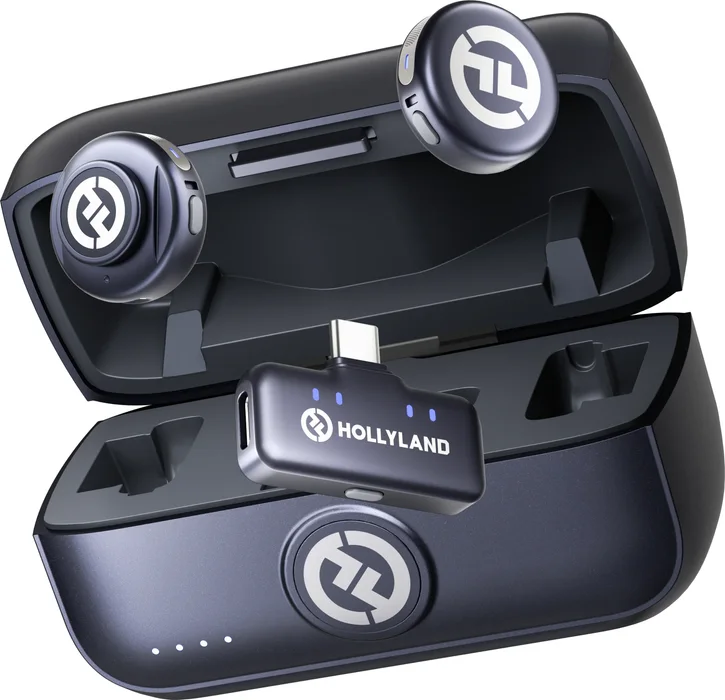
Hollyland LARK M3
Two clip-on mics and one receiver that plugs into the USB-C port on an iPhone or iPad. Hollyland released it in September 2026.
For an iPhone or iPad with a Lightning port, the LARK M2S Ultimate Combo ($129) includes a Lightning receiver. LARK M2S Ultimate Combo
View on Amazon$99
Two mics and a USB-C receiver
Recording app
GarageBand
Apple’s free app for iPhone and iPad. Record the conversation in its Audio Recorder, then export the episode as an audio file.
Ferrite Recording Studio is built for podcasts and spoken word, with more editing tools. It’s free to try, and Pro is $29.99 once. Ferrite Recording Studio
Hosting
Spotify for Creators
Free podcast hosting. Upload each episode here, and after a one-time setup it reaches Apple Podcasts too.
Total: $99, with the iPhone or iPad you already own.
If you record at a computer, the Samson Q2U from Chapter 13 plugs straight into a USB port, and its recording pack is $100. Samson Q2U recording pack
Studio setup
A broadcast microphone for each voice
This is the setup I recommend when you have a room to record in. Every person gets a dynamic microphone, which picks up the voice in front of it and little of the room, and a RØDECaster records everyone on separate tracks.
Microphone
One per person
Microphone
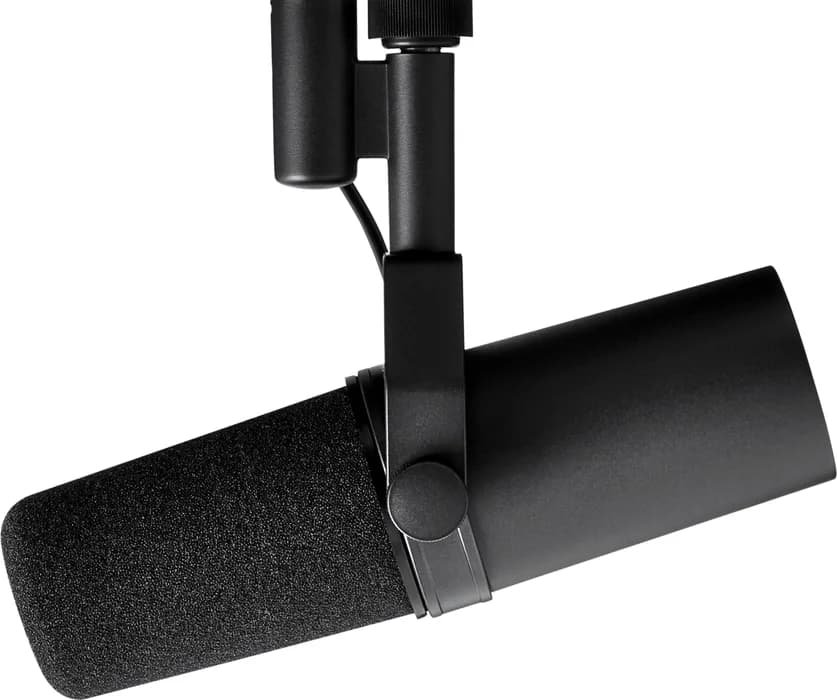
Shure SM7B
Shure’s broadcast mic. It needs about 60 dB of gain, and both RØDECasters below supply 76 dB, so it plugs straight in with no booster.
View on Amazon$399
Microphone
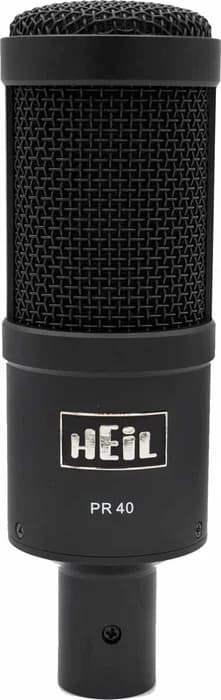
Heil Sound PR 40
Heil Sound’s large-diaphragm dynamic mic, which you speak into from the top.
View on Amazon$379
Microphone
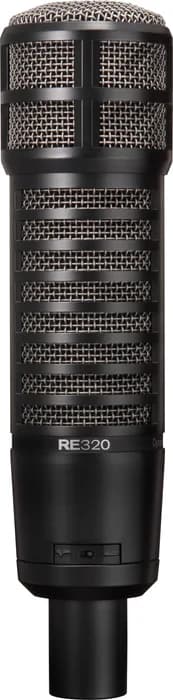
Electro-Voice RE320
Electro-Voice’s lower-priced broadcast mic, from the company behind the RE20.
View on Amazon$315
Microphone
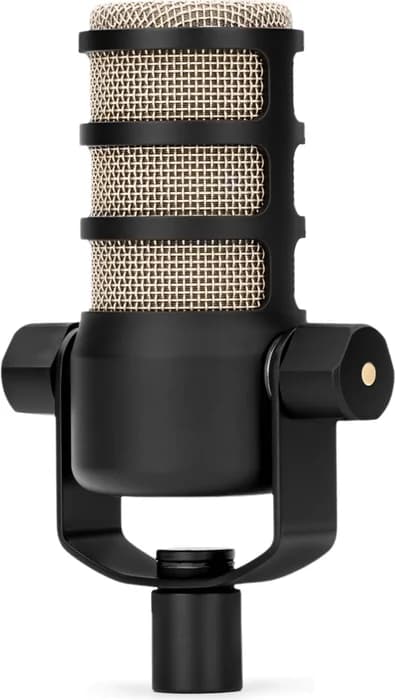
RØDE PodMic
The lowest-cost mic here. RØDE built it for podcasting, and it keeps the studio setup under $1,300 for two people.
Recorder
Pick by the number of people
Up to 2 people
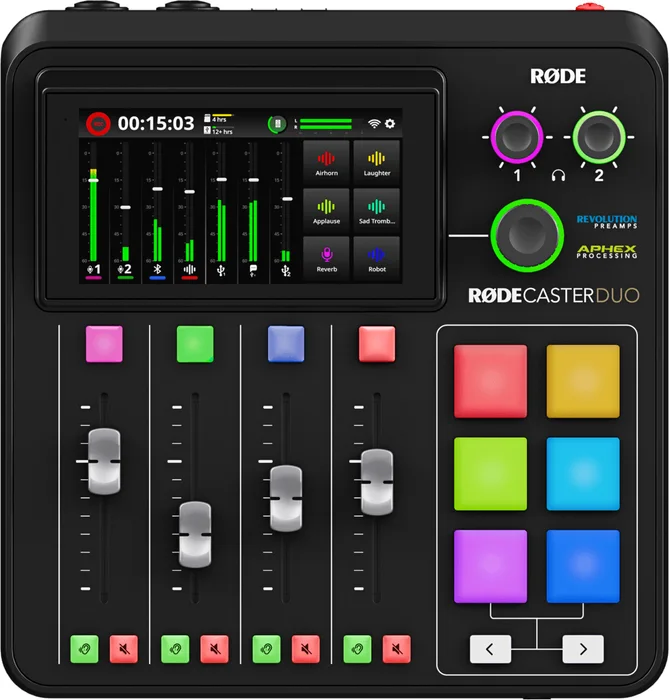
RØDECaster Duo
Two microphone inputs, for a host and one guest. It records to a microSD card or USB drive, or to your computer with each mic on its own track.
View on Amazon$499
Up to 4 people
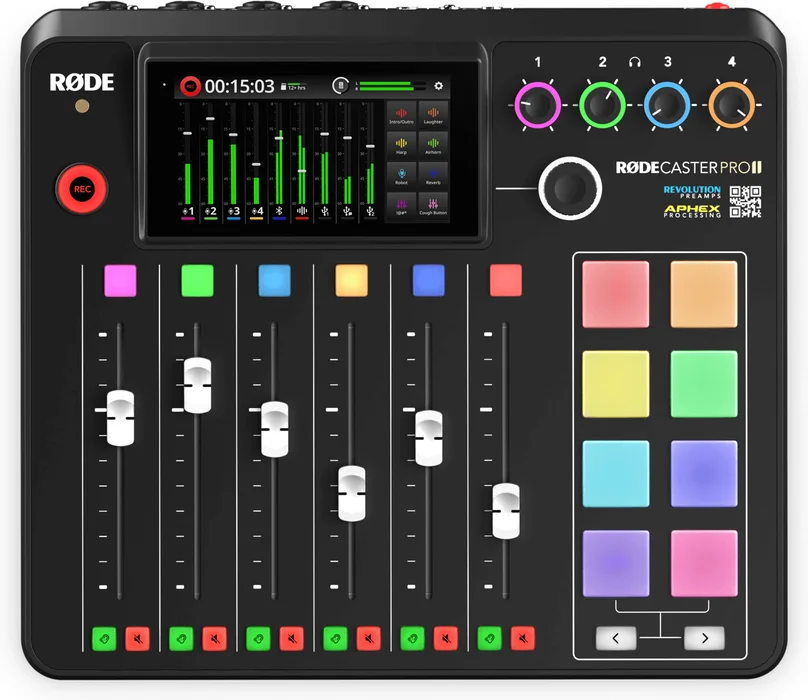
RØDECaster Pro II
Four microphone inputs, for up to four people at the table. It records the same ways the Duo does.
View on Amazon$699
Also on the desk
One per person
Boom arm
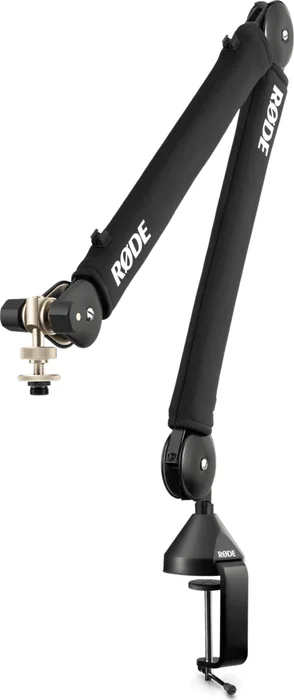
RØDE PSA1+
Holds the mic in front of each speaker and swings out of the way when you’re done.
View on Amazon$139
Headphones
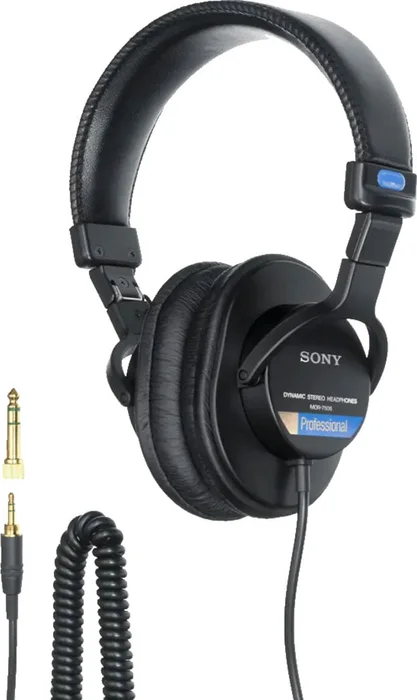
Sony MDR-7506
Closed-back headphones, so each person hears the recording and the sound stays out of the mics.
View on Amazon$115
Cable
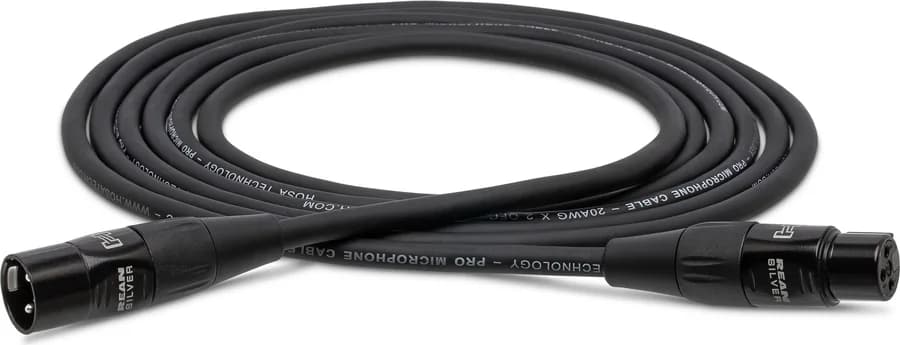
XLR cable, 10 ft
Connects each mic to the RØDECaster. The Hosa HMIC-010 is a good-value choice.
View on AmazonUnder $30
For two people on a RØDECaster Duo, the whole setup comes to about $1,260 with RØDE PodMics or about $1,870 with Shure SM7Bs.
Hosting
Free hosting on Spotify, listed on Apple Podcasts
Spotify for Creators hosts your episodes for free, video included. It also creates the RSS feed that podcast apps read. Submit that feed to Apple Podcasts once, and every new episode you upload appears in both places.
Spotify plays video episodes, and Apple Podcasts gets the audio from the same feed. The Spotify for Creators app doesn’t record anymore, so record with one of the setups above and upload the finished file.
Create your show at Spotify for Creators and upload your first episode.
In Settings, open Availability and copy your RSS feed.
Sign in to Apple Podcasts Connect with your Apple Account and submit the feed.
Software
The software we record and edit with
We record interviews in Riverside and edit in Logic Pro or DaVinci Resolve. Pair any recorder below with either editor, and every tool except Logic Pro has a free version.
Recording
For interviews and solo episodes
Interviews
Riverside
Each person’s audio and video record on their own device, so a weak internet connection doesn’t lower the quality. The free plan includes 2 hours of separate-track recording.
Visit RiversideFree plan
Pro from $24 a month, billed yearly
Interviews
Zoom
Works for interviews too. Free meetings end at 40 minutes, and the desktop app can save a separate audio file for each person.
Visit ZoomFree
Pro is $14.16 a month, billed yearly
Solo episodes
GarageBand
Free on Mac, iPhone, and iPad, and enough for a solo episode.
Editing
One free, one paid
Free editor
DaVinci Resolve
A video editor with a full audio editor built in, called Fairlight. You can use it for audio-only episodes, and the free version includes Fairlight.
Video podcast
Add cameras to the studio setup
For a video podcast, keep the studio setup for sound and add a camera for each angle you want to show. Gear for vlogging, YouTube, and recording a sermon is on the video equipment list.
“Record video from the beginning, even if you’re not sure you’ll use it.”
Camera
One per angle
Phone camera
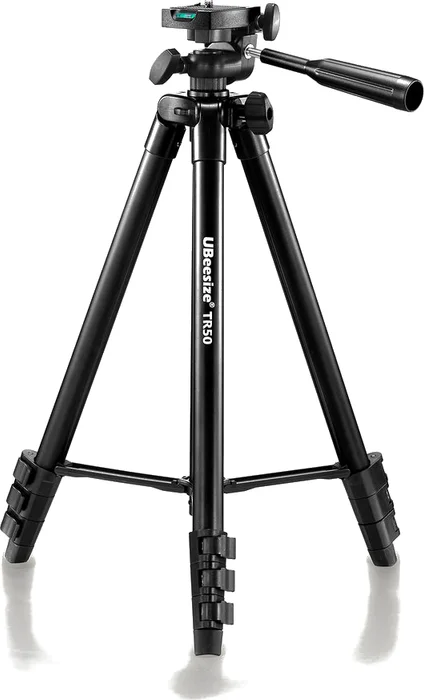
UBeesize phone tripod
The least expensive camera is the phone you have. Set it on a tripod facing a window for light, the way Chapter 13 describes.
Lower-cost camera
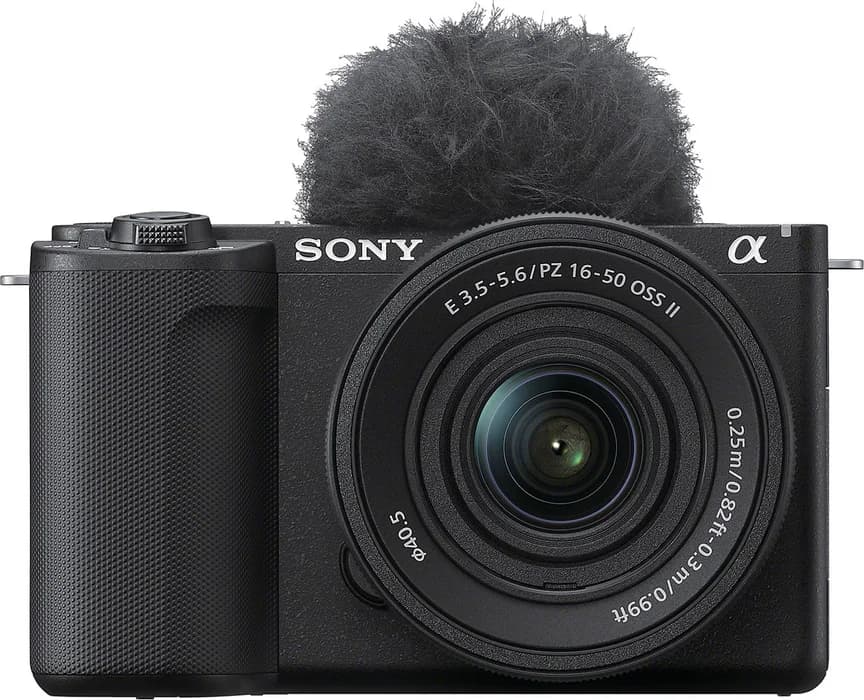
Sony ZV-E10 II
Sony’s smaller camera. Plugged into a USB 3.2 port, it sends up to 4K video, and Riverside and Zoom use it as a webcam, so you don’t need a capture card.
View on Amazon$1,298
With the 16-50mm lens
My favorite
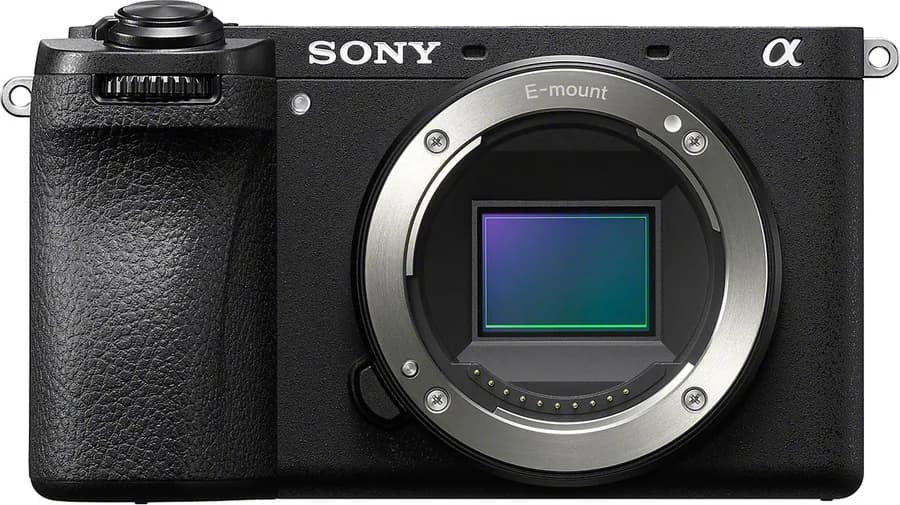
Sony a6700
The camera I like best. Plugged into a USB 3.2 port, it sends up to 4K video, and Riverside and Zoom use it as a webcam. A USB-C charger that supports Power Delivery keeps it running through long recordings.
For a full-frame sensor, the Sony a7 V is $2,899 for the body. Sony a7 V
View on Amazon$1,498
Body only
Lens, light, and tripod
The lens fits the a6700 and ZV-E10 II
Lens
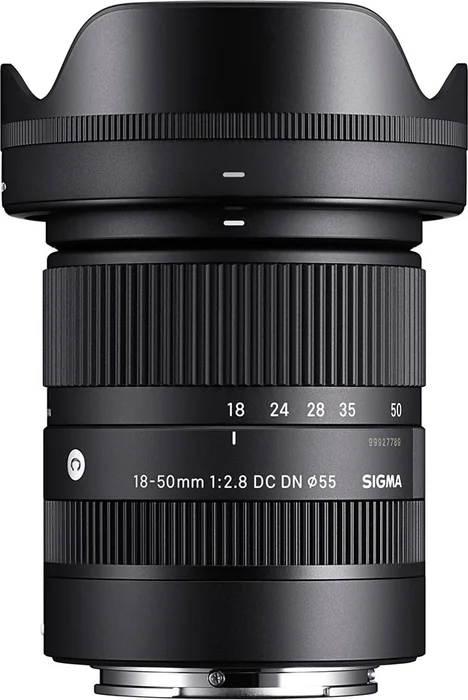
Sigma 18-50mm f/2.8 DC DN
A small zoom made for Sony’s APS-C cameras, including the a6700 and ZV-E10 II. It frames a desk shot, and its f/2.8 aperture blurs the background behind you.
View on Amazon$659
Light
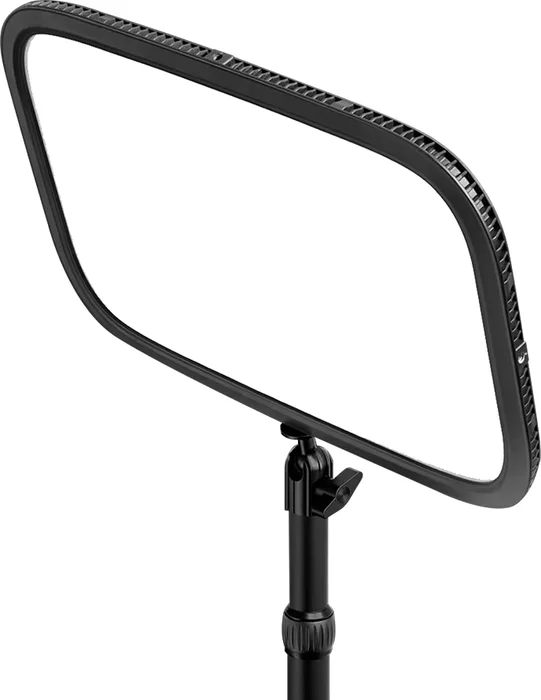
Elgato Key Light
A desk-mounted light that lights your face evenly on any camera.
The Key Light Neo ($70) is a smaller version that runs on USB power. Elgato Key Light Neo
View on Amazon$180
Tripod
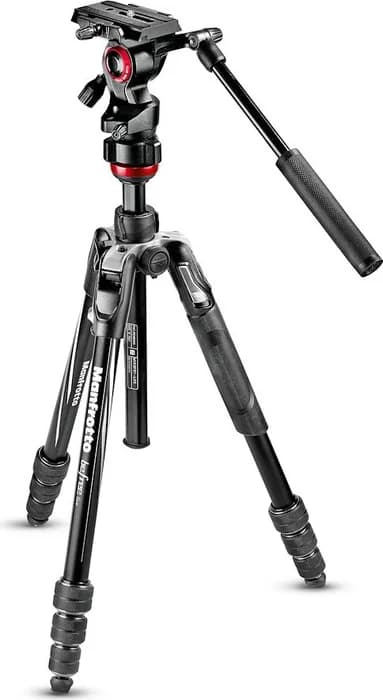
Manfrotto Befree Live
A travel tripod with a fluid video head, so camera moves stay smooth.
View on Amazon$335
Setup help
Help choosing your setup
Ask in the UNmuted community, which is free to join, or email us with what you have now and how many people will speak on each episode.
Product links go through short unmuted.is/gear addresses so we can keep them current. When one is an affiliate link, UNmuted earns a commission if you buy, at no extra cost to you. Prices are list or major-retailer prices checked on September 26, 2026, and Amazon’s price can differ.